History that makes sense.
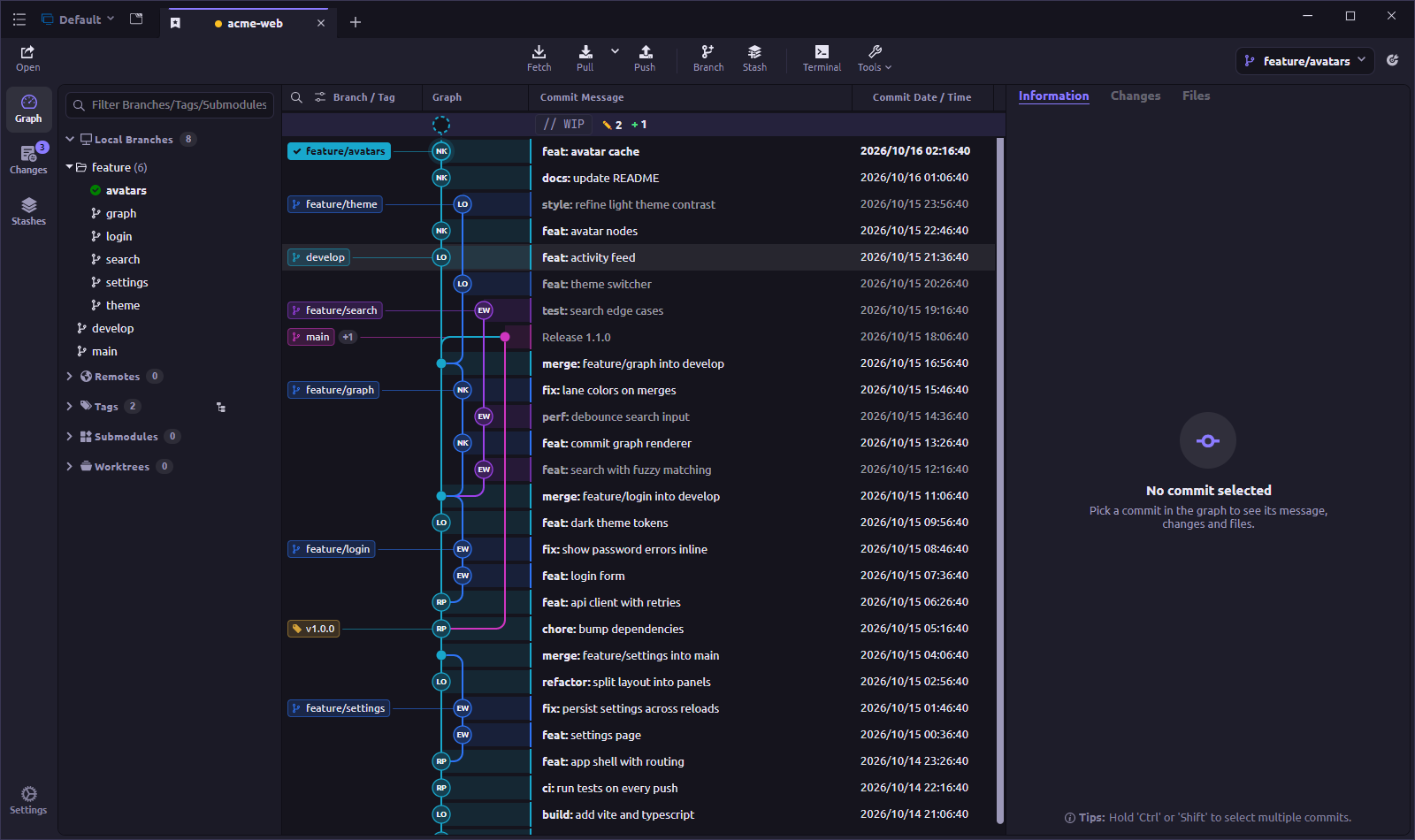
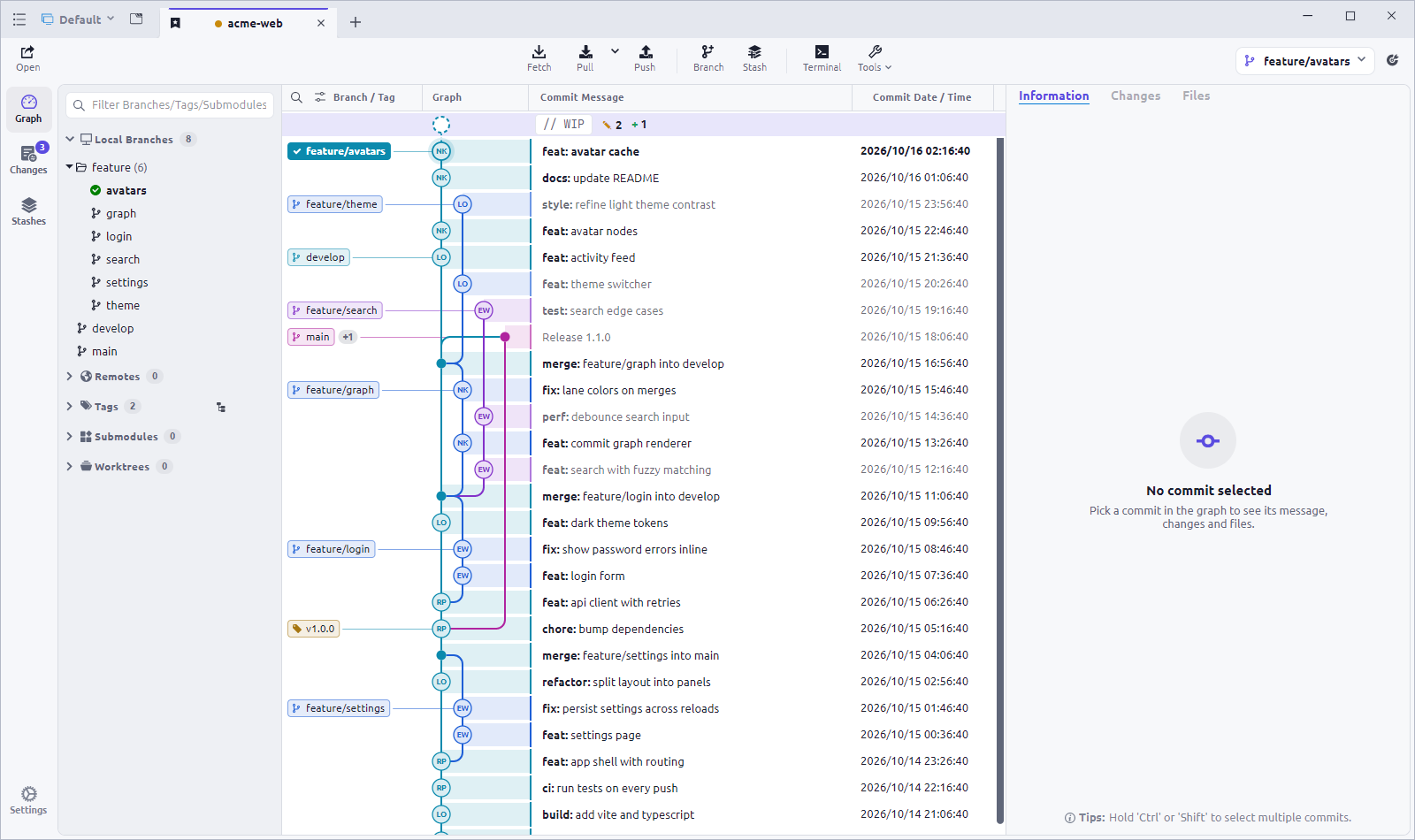
A readable commit graph with colored lanes, avatars and labels. Uncommitted work sits in a WIP row at the top, so you can review it without leaving the history.
⑂ main// WIP +3 −1
 Commit Dock.Download
 Your agent moves fast. Stay clear on what it leaves behind. Review every diff, choose what belongs, and commit with confidence, all in one fast, graph-first Git client.
✓ Windows, macOS & Linux · Free & open source · Latest release
Agent-written.
Human-reviewed.
A finished prompt is only the beginning. See what changed in your repository, understand the details, and decide what makes it into your next commit.
A readable commit graph with colored lanes, avatars and labels. Uncommitted work sits in a WIP row at the top, so you can review it without leaving the history.
Your agent says it’s done. Check the diff yourself. Word-level highlights and moved-code detection show what really changed, then stage whole files or single lines.
Find any command, switch branches, or stash an unfinished idea from the command palette. Press F1 to see every shortcut.
Turn a batch of generated changes into a commit you understand. Review the work, select what belongs, and leave a clear history behind.
Thoughtfully made.
Right down to the little things.
Same thoughtful experience. Whichever desktop you call home.
Windows 10 and 11, x64 and ARM64.
Download for Windows ↓ARM64Portable .zipApple Silicon and Intel Macs.
Download for Apple Silicon ↓Intel MacDebian, Ubuntu, Fedora and more.
Download .deb ↓.rpmAppImageARM64 .debLatest release · Requires Git 2.25.1 or newer · All releases ↗
A little context for your next step.
Commit Dock is a fast, graph-first desktop Git client. See your whole history at a glance, stage and commit next to the graph, and review changes with diffs that understand what you actually did.
Windows (x64 and ARM64), macOS (Apple Silicon and Intel) and Linux, with .deb, .rpm and AppImage packages for x64 and ARM64.
No. Commit Dock works with your Git repository, so it shows whatever your agent changed on disk, ready to review, stage and commit. It can also draft commit messages from your staged changes using any OpenAI-compatible service, including local models through Ollama.
Commit Dock uses the Git command line under the hood, so Git 2.25.1 or newer must be installed. On Windows, use the official Git for Windows.
Release builds are not code-signed yet, so your system may warn you. On Windows, choose More info → Run anyway. On macOS, if the app is reported as damaged, run sudo xattr -cr /Applications/CommitDock.app once.
Yes. Commit Dock is free and open source under the MIT License. The source code, releases and issue tracker are on GitHub.
Let AI write. Know what you ship.
Get Commit Dock ↗